
This post may contain affiliate links. I only recommend products I use and love. Read the full disclosure here
Updated on: October 23, 2026
Originally published on: October 23, 2026
Your home workspace setup affects more than your posture. Whether you work, study, or tackle everyday tasks at home, it can influence your focus and how comfortable you feel throughout the day. You don’t need a room that looks like a corporate office, either. A few practical choices can help you create a space that fits your home, your habits, and the work you actually do.
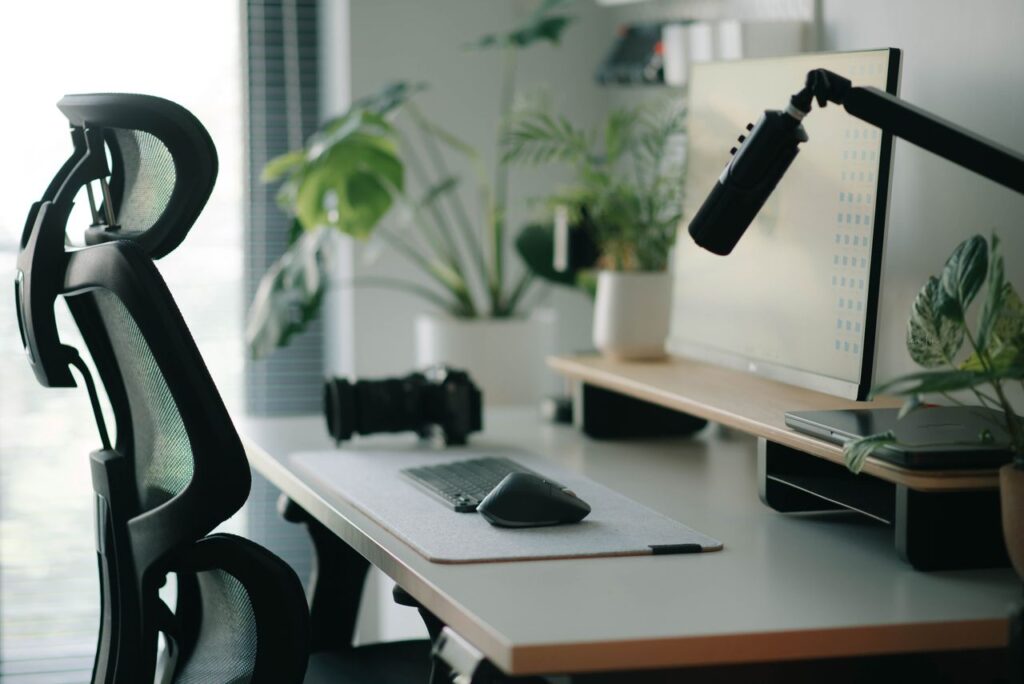
Start With How You Actually Work
Before you buy anything, look at your work pattern. Do you spend six hours typing, bounce between video calls, or need room to spread out notebooks, cables, and a second screen? Your workflow should decide the layout.
A student writing essays has different needs from someone editing video or running invoices for a small business. If you mostly use a laptop, desk depth matters less than keyboard positioning and charging access. If you use dual monitors, sightlines and cable routing become part of the ergonomics.
This is where many setups go wrong. People shop by appearance first, then try to force daily habits into a space that was never designed for them. Measure your routine before you measure your room.
Get the Desk Size Right the First Time
Desk dimensions quietly control everything else. A surface that is too shallow pushes your monitor too close. One that is too narrow leaves no room for writing, devices, or simple breathing space.
For most people, 24 inches of depth is the bare minimum. If you use a monitor, 30 inches often feels better. Width depends on the gear you use, but even a compact setup benefits from enough lateral space for a lamp, charger, and a few active items.
Corner desks can help in small rooms, though they only work well if the corner is genuinely usable and not dead space. If your room doubles as a guest room or bedroom, visual bulk matters too. Clean-lined home office furniture can make a workspace feel intentional instead of squeezed into whatever space was left over.
Your Chair Deserves More Attention Than Your Desk
People obsess over desktops and forget the seat they’ll use for hours every day. A chair affects spinal alignment, shoulder tension, wrist angle, and even how restless you feel during focused work.
Look for adjustable seat height first. Then check lumbar support, seat depth, and whether your feet can stay flat on the floor. Armrests help some people, especially during long computer sessions, but they should not force your shoulders upward or block you from sitting close to the desk.
If your budget is limited, direct more money toward the chair than decorative extras. A stylish lamp won’t fix lower-back pain. A throw pillow won’t correct a seat pan that cuts into the back of your legs. Comfort has a technical side, and your body notices every shortcut.
Lighting Can Improve Focus Faster Than Most Upgrades
Bad lighting drains attention in a way people often misread as laziness or eye strain from screens alone. The real issue is usually a combination of glare, shadow, and weak task lighting.
Natural light helps, but monitor placement matters. If a window sits directly behind your screen, glare becomes a constant battle. If the window is in front of your screen, your face can disappear on calls while your eyes adjust all day. Side lighting often works best.
Add a desk lamp with focused, warm-neutral light for reading and writing. Overhead lighting alone is rarely enough. If you work early mornings or late evenings, layered lighting keeps the room from feeling flat and tiring. It also makes the workspace look more finished, which subtly supports routine and consistency.
Storage Should Reduce Friction, Not Just Hide Clutter
A tidy desk looks nice, but the deeper goal is accessibility. You should be able to reach what you use often without breaking concentration. That means daily items stay near the work zone, while archive materials move farther out.
Open shelves help if you genuinely use books, binders, or equipment throughout the week. Drawers work better for loose supplies, chargers, and paper items that create visual noise. A filing cabinet only makes sense if you still handle physical documents regularly.
Think in terms of frequency. Everyday tools deserve prime real estate. Weekly items can sit in secondary storage. Rarely used gear should not live on your desktop. Good organization reduces task-switching costs, which is a real productivity issue, not just an aesthetic one.
Plan Around Tech, Cables, and Power Access
Many attractive workspaces fail once real devices enter the picture. Suddenly there are extension cords, docking stations, routers, headphones, chargers, external drives, and a tangle under the desk that catches your feet.
Check outlet placement before finalizing furniture arrangement. If your ideal desk position leaves every cable stretched across a walkway, it isn’t ideal. Built-in cable management, grommets, or even a simple tray under the desk can clean up the setup fast.
Also think about your future needs. You may start with a laptop and later add a monitor, printer, or microphone. Leave room for expansion. A workspace that can adapt saves you from replacing major pieces every time your routine changes or your workload becomes more technical.
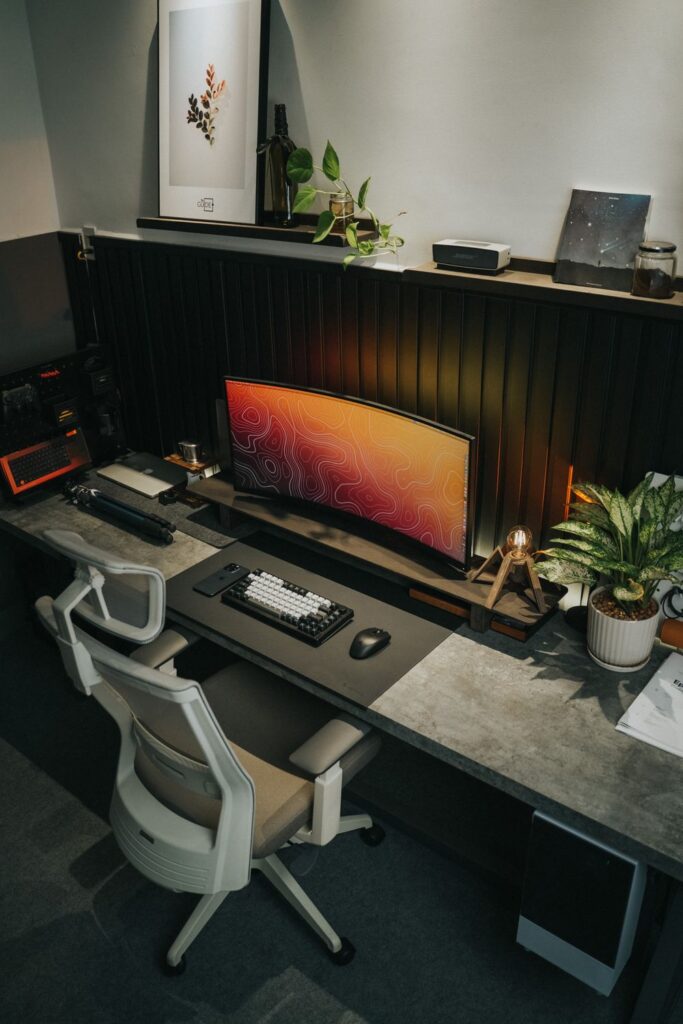
Make the Room Support Boundaries
Working from home can blur everything together. Your bed, your laundry, your meals, and your deadlines can start sharing the same visual field. That constant overlap wears on attention.
Even if you don’t have a separate office, define the workspace clearly. Use a rug, a distinct chair, a bookshelf divider, or simply a desk that faces away from distraction zones. Physical cues help your brain switch into task mode.
This matters even more if you live with family, roommates, or pets. A visible work zone signals availability and limits interruptions better than vague verbal rules. It also helps you stop working when the day ends. Boundaries are easier to keep when the room itself reinforces them.
Don’t Design for a Photo. Design for Five Real Days
A polished workspace on social media often leaves out the practical details: where the backpack goes, where papers pile up on Thursday, how the chair feels after four hours, or whether the desk still looks good with actual equipment on it.
Test your setup like a system. Sit in it for a week. Notice where you twist, reach, squint, and fidget. If your notebook always lands on the floor because there’s no side space, that is a layout problem. If your shoulders tense during calls, something about monitor height or chair support needs adjusting.
The best workspace is not the one that impresses visitors for ten seconds. It’s the one that keeps you comfortable, organized, and mentally steady through ordinary days. That standard is much harder to fake and much more useful.