
This post may contain affiliate links. I only recommend products I use and love. Read the full disclosure here
Updated on: April 20, 2026
Originally published on: April 20, 2026
If your workspace has been driving you a little crazy lately, you’re not alone. Between the clutter, the lighting, and a setup that just isn’t working the way it should, it doesn’t take much for things to start feeling frustrating. That’s where a few budget home office upgrades can make a big difference without turning into a full-blown project.
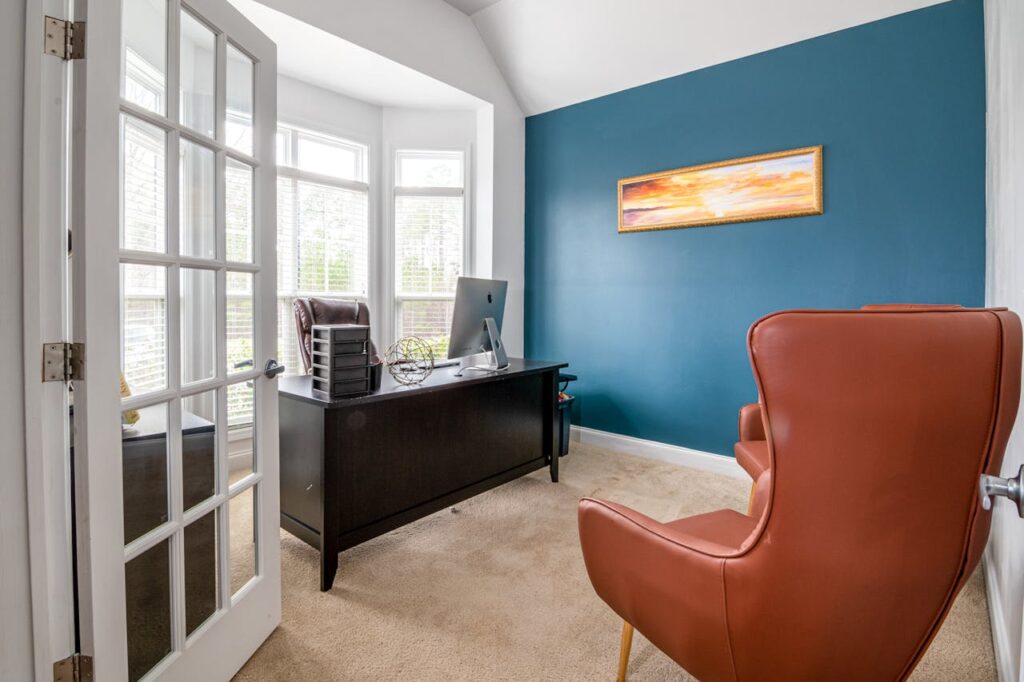
The good news? You don’t need a big budget or a total overhaul to fix it. A few small changes can help your space feel calmer, more organized, and a whole lot easier to work in day to day.
The top four easy budget home office upgrades to save money include improving natural lighting, clearing desk clutter with simple systems, adding basic ergonomic support, and upgrading slow tech without overspending.
If your computer is the thing slowing you down most, starting there makes a lot of sense, and choosing PCLiquidations for certified refurbished laptops is a simple way to upgrade without overspending.
Pick one to start with, and you’ll notice the shift almost immediately.
1. Let There Be Better Light
Of all the budget home office upgrades you can make, lighting is one of the easiest and most affordable fixes. It’s also one of the most overlooked.
Bad lighting doesn’t just make your space look dull; it wears you down. By mid-afternoon, your eyes feel tired, your screen looks off, and everything takes more effort than it should.
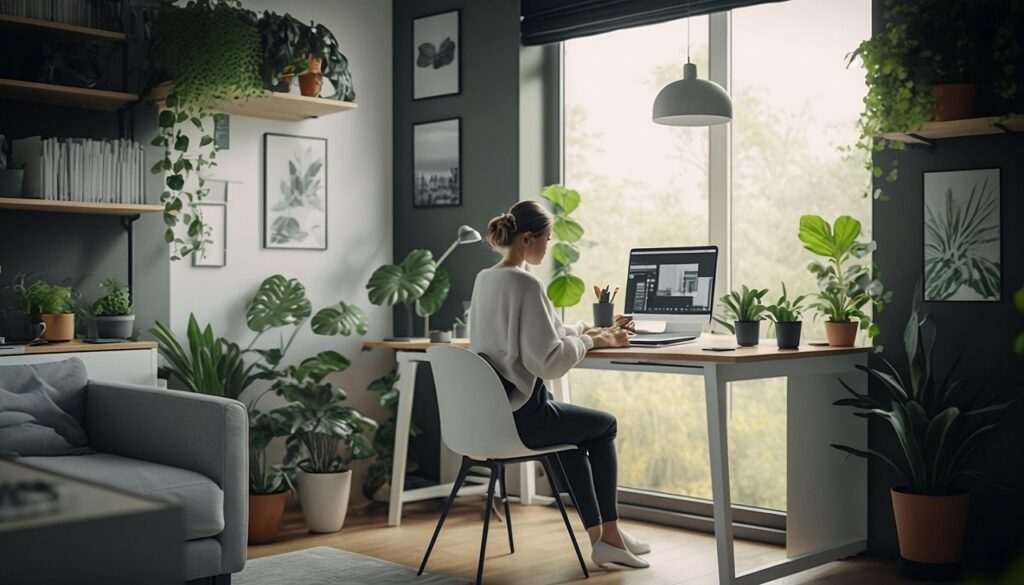
If you have a window, take advantage of it. Sit facing it or beside it to get the most natural light without creating glare on your screen.
Then layer in a simple desk lamp so you can control brightness throughout the day. Swapping out harsh overhead bulbs for softer or daylight options can also make a noticeable difference.
You can improve your lighting setup for little to no cost, and the impact is immediate.
2. Tame the Workspace Chaos
Clutter adds up fast, especially when you’re juggling work and home life in the same space. What looks like a small pile of papers or a few loose cords can actually pull your attention in a dozen directions at once. That constant visual noise makes it harder to focus and easier to feel overwhelmed.
The fix doesn’t require expensive organizers. You can create a simple system with things you already have at home. Use mason jars or small containers to hold pens and tools. Add a tray to keep mail or daily items contained. Clip cords along the back of your desk so they’re not constantly in your way.
These small changes make your space feel calmer and more in control. And when your desk is clear, your mind feels clearer too.
Pro Tip: Take five minutes at the end of the week to reset your workspace. Starting Monday with a clean desk makes a bigger difference than you might expect.

3. Get Comfortable Without Overspending
If you’re shifting in your seat all afternoon or reaching for pain relief, your setup is working against you. The good news is you don’t need an expensive office chair to fix it. A few small adjustments can make a big difference.
Most people end up leaning forward or looking down at their screen without realizing it. Over time, that strain adds up. In fact, nearly nine percent of adults suffered repetitive strain injuries in just three months.
Start by supporting your lower back with a simple cushion. Raise your screen to eye level using a stack of books or a basic stand. Your neck should stay neutral, not tilted downward.
Keep your keyboard and mouse at elbow height so your arms can rest comfortably. If your feet don’t sit flat, use a small box or folded towel as a footrest. It also helps to perform simple stretches regularly to prevent severe musculoskeletal discomfort.
, especially if you are sitting for long stretches of time.
It’s also important to perform simple stretches regularly to prevent severe musculoskeletal discomfort. These quick breaks help your body reset and keep discomfort from building throughout the day.
These upgrades cost little to nothing, but they can completely change how your workday feels.
4. Upgrade Tech Without Breaking the Budget
You can have great lighting and a clean desk, but if your computer is slow, it will still slow you down. Waiting for files to load or programs to open eats into your time and your patience. It’s one of those small frustrations that add up fast over the course of a day.
A brand-new setup can be expensive, which is why a lot of people put off upgrading longer than they should. The good news is you don’t have to go all-in to see improvement. Even small upgrades—like adding more storage, clearing out unused files, or updating your software—can make a noticeable difference.
If your setup is really struggling, looking into more affordable upgrade options can help you get better performance without taking on a big expense.
Reliable tech makes everything else in your workspace run smoother. When your tools work the way they should, your entire day feels easier and a lot less frustrating.
The Bottom Line
You don’t need a full redesign or a big budget to improve your home office. Small, intentional changes go a long way.
Better lighting, less clutter, simple ergonomic fixes, and smarter tech choices can completely shift how your space works for you. Start with the one thing that’s bothering you most right now. Fix that first.
Once your space starts working with you instead of against you, everything else feels easier.